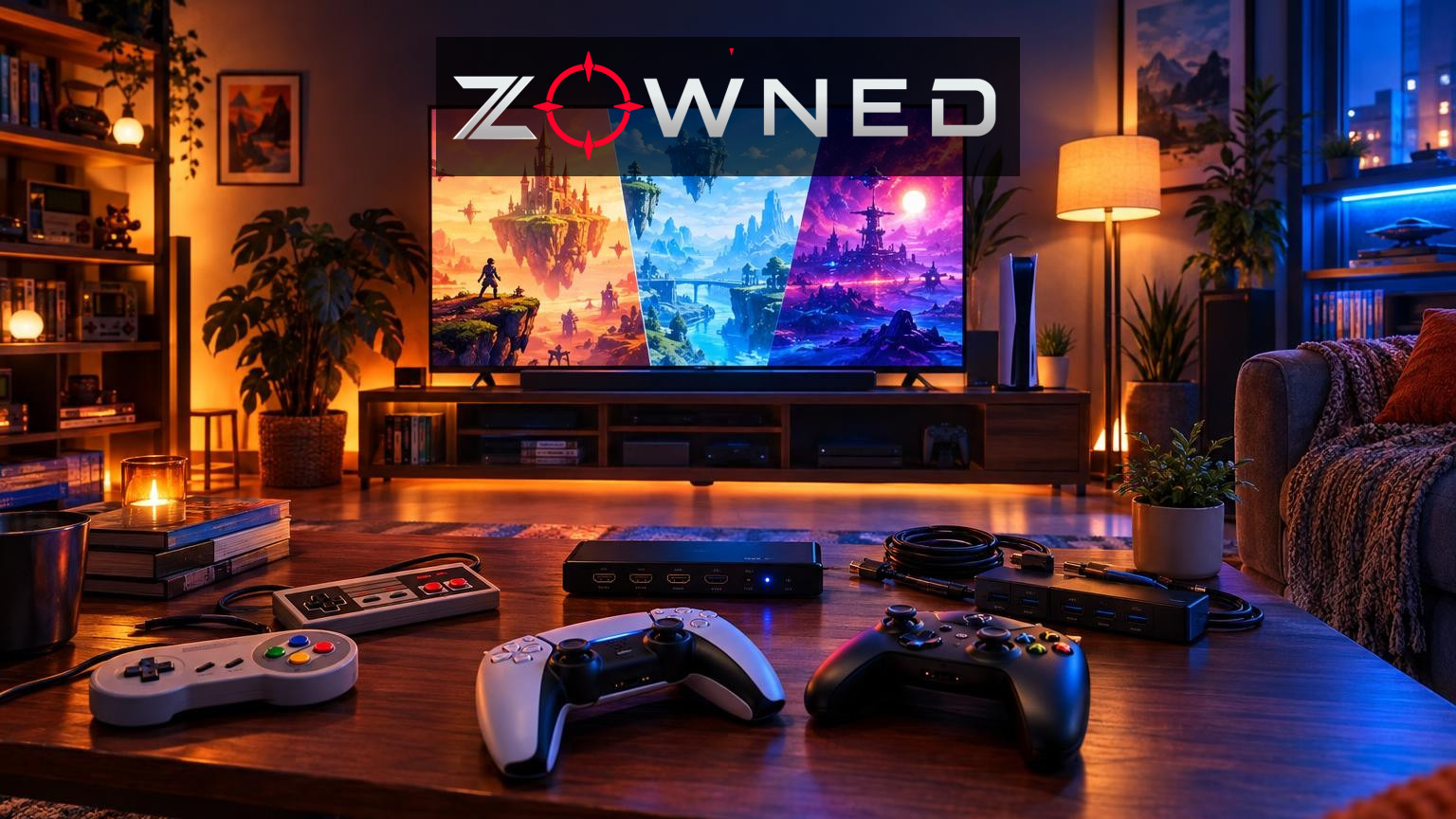
Longing for the days when gaming meant two controllers, a single TV, and shared laughter? Modern gaming often pushes players online and solo, but you can still recreate authentic couch co-op sessions—on both PC and console—without relying on dusty cartridges or obscure hardware. This guide focuses on practical, legal, and repeatable ways to bring back local shared-play moments: hardware choices, networking tips, controller setup, and simple ways to preserve the memories you make.
Why recreate couch co-op instead of just playing online?
Local multiplayer is about timing, proximity, and shared space. Voice latency, social cues, and spontaneous cross-communication change when people are together in the same room. Recreating that experience matters because it’s social in a distinct way: it’s immediate, lightweight, and memorable. The following sections focus on tangible steps to make those sessions comfortable and authentic.
Display setup
- Choose the right screen: For four-player split-screen, larger displays (50"+) or a pair of screens work best to keep UI elements legible and reduce neck strain.
- Resolution vs. performance: On consoles or mid-range PCs, prefer 60Hz at 1080p over 30fps at 4K for smoother local play—responsiveness matters more when friends are passing controllers.
- Docking multiple screens: If you have a secondary TV or monitor, plan HDMI inputs and an easy switcher. Many PCs and modern consoles support multiple displays for local sessions.
- Match the original ergonomics: Use controllers with similar weight and button layout to what you remember—modern replicas or high-quality third-party pads work well.
- Wired vs wireless: Wired controllers eliminate battery and pairing issues. Keep a small USB hub and a tangle of spare cables near the couch.
- Mixing device types: Use controller mapping utilities on PC to harmonize different inputs (gamepads, arcade sticks). Label each controller with a visible color or tag so players don’t swap profiles mid-run.
Local networking and party logistics
Some modern indie and retro-inspired games support true local multiplayer, while others offer online-only co-op. When online play isn’t ideal, these options help:
- LAN play: For PC titles that support LAN, configure a simple router or a dedicated switch. Disable internet-heavy background tasks on the host machine to keep performance stable.
- Local invite tools: Many consoles have quick party creation tools—use them to avoid competitive matchmaking and keep everyone in the same private session.
- Steam Remote Play Together: When a game lacks local splitscreen but supports Remote Play Together, a single host can stream gameplay to friends on the same network; latency on a wired LAN is often low enough for cooperative play from nearby devices.
Emulation and legal considerations
Emulation can revive older titles, but treat it carefully:
- Respect copyright: Only emulate software you legally own. Avoid downloading ROMs from unverified sites—owning the original cartridge or disc is the safest path.
- Use reputable front-ends: Modern emulators with good controller mapping, save states, and display scaling can reproduce the original feel. Configure scanline filters and aspect ratios to match the era you’re recreating.
- Document your settings: Save configuration presets for each game so sessions start quickly and friends don’t have to re-tweak video or controls.
Capturing and preserving the memories
Part of nostalgia is keeping the moments that emerge during a session. Do this without interrupting the flow:
- Record highlights: Use short, automatic clips or a capture device attached to the console/PC. Keep clips short and tag them with player names and dates.
- Shared albums: Export screenshots and clips to a shared folder or network drive. If your group uses platforms like Gamer Profiles, link highlights there to keep a portable history of sessions.
- Save states and archives: For emulated runs, store the save-state files and a small readme describing the session. These become time capsules for later replay or re-creation.
Organizing repeat sessions
Consistency helps recreate that living-room feeling. Try these low-effort rituals:
- Weekly or monthly game nights with a set start time.
- A rotating host who prepares the hardware and shares a short checklist (controllers, cables, capture space, snacks).
- A simple scoreboard or event log—use a notebook, a shared document, or community features like Clans & Squads to coordinate and recruit familiar players.
Conclusion: make nostalgia repeatable, not fragile
Recreating couch co-op isn’t about copying the past exactly; it’s about recapturing the social mechanics that made those nights special: low friction, shared attention, and spontaneous moments. With the right display choices, controller setup, local networking strategies, and respectful handling of older software, you can host repeatable, enjoyable sessions that build new memories while honoring old ones. Preserve the highlights, keep the setup lean, and prioritize comfort—the rest is just pressing start.





Article Comments
Join the discussion